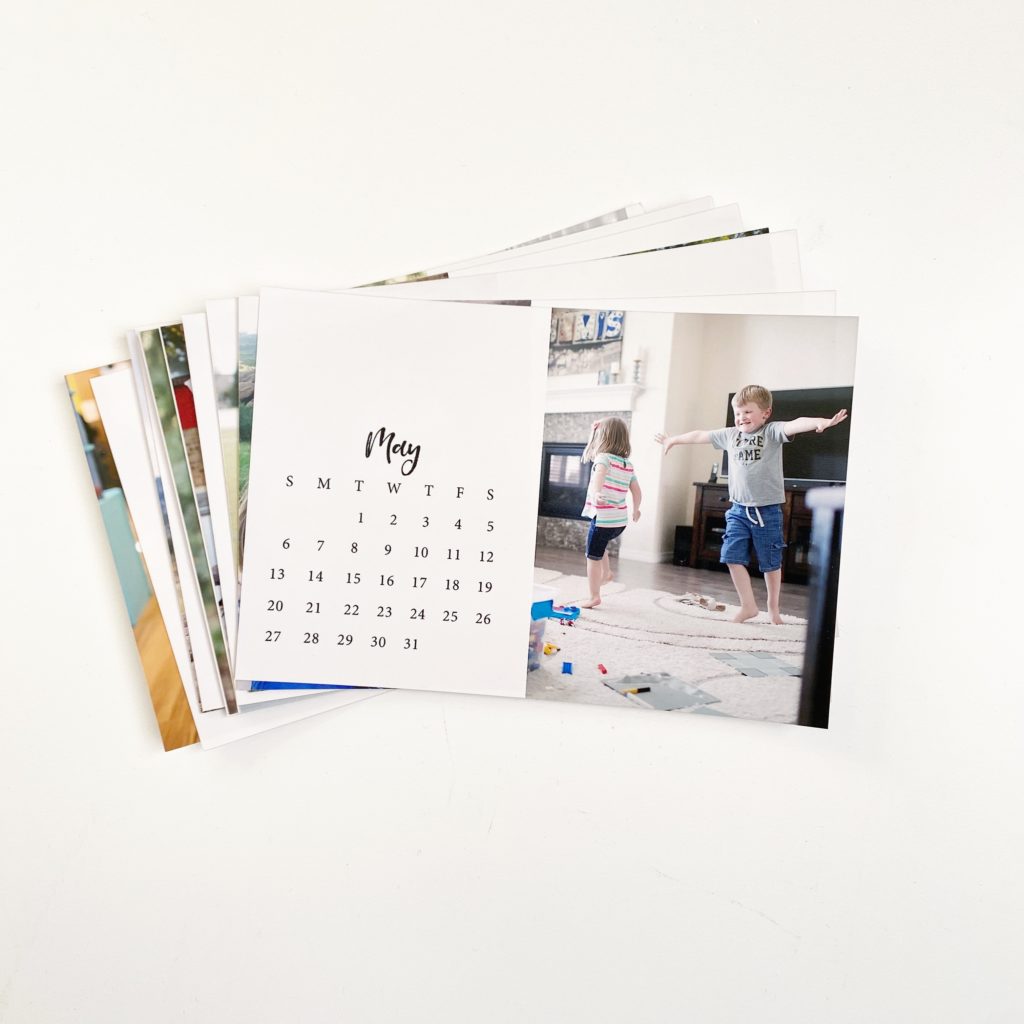


Photo calendars make a great gift so, as I’ve done for the 5 years, I created a FREE calendar template that you can print to make your own photo calendar using the Project Life App. It’s SUPER easy… no design skills required!
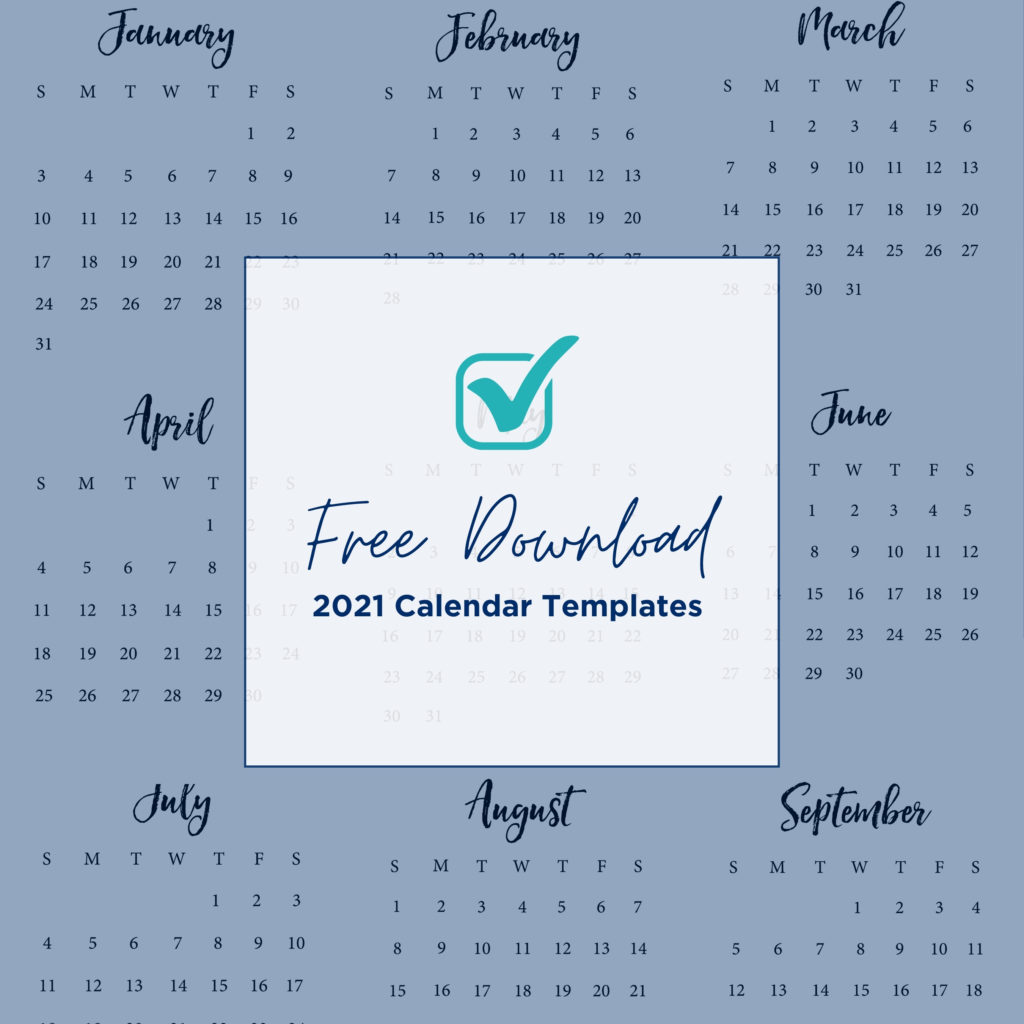
HOW TO MAKE A PHOTO CALENDAR USING THE PROJECT LIFE APP
1. Pick your favorite 2021 calendar template set and download it onto your phone (or your computer and airdrop them to your phone). This year there are 4 template sets:
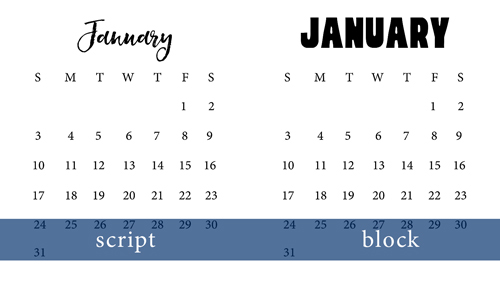
- Script Sunday Start (this matches the prior years)
- Script Monday Start
- Block Sunday Start
- Block Monday Start
2. Open the Project Life App and select the collage section (tap Create and then Small Print).
3. Drop in the calendar template + your favorite photo. Create one for each month. (Pro tip: Before you begin the project, flag 12 photos as “favorites” in your camera roll. When you’re designing the pages, you can select the “favorites” album inside the Project Life App and you’ll see your selections in one place.)
4. Order prints right through the app! Or save the finished collages to your camera roll and order from any company you prefer.
5. Gift them! Consider including this magnetic frame for displaying the calendar on the fridge or get them bound at your local print shop.