


Project Life is a memory-keeping system I use to create annual family yearbooks for my family. I use the Project Life App on my iPhone to design the pages (so convenient!) and at the end of the year, I order a photo book from Blurb. Last month, out of curiosity, I ordered seven photo books from various companies to compare quality. In the process, I created a helpful design shortcut I want to share today!
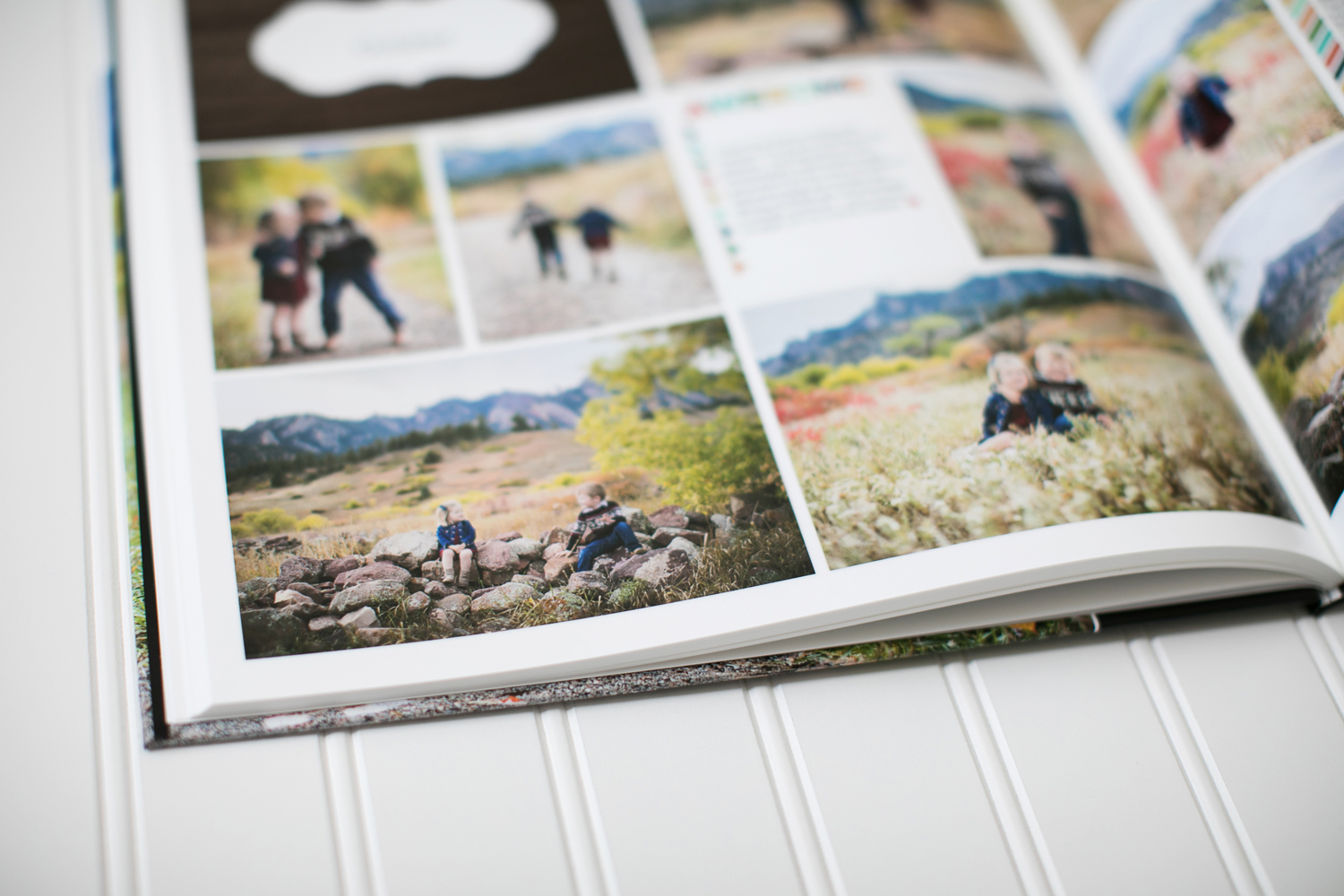
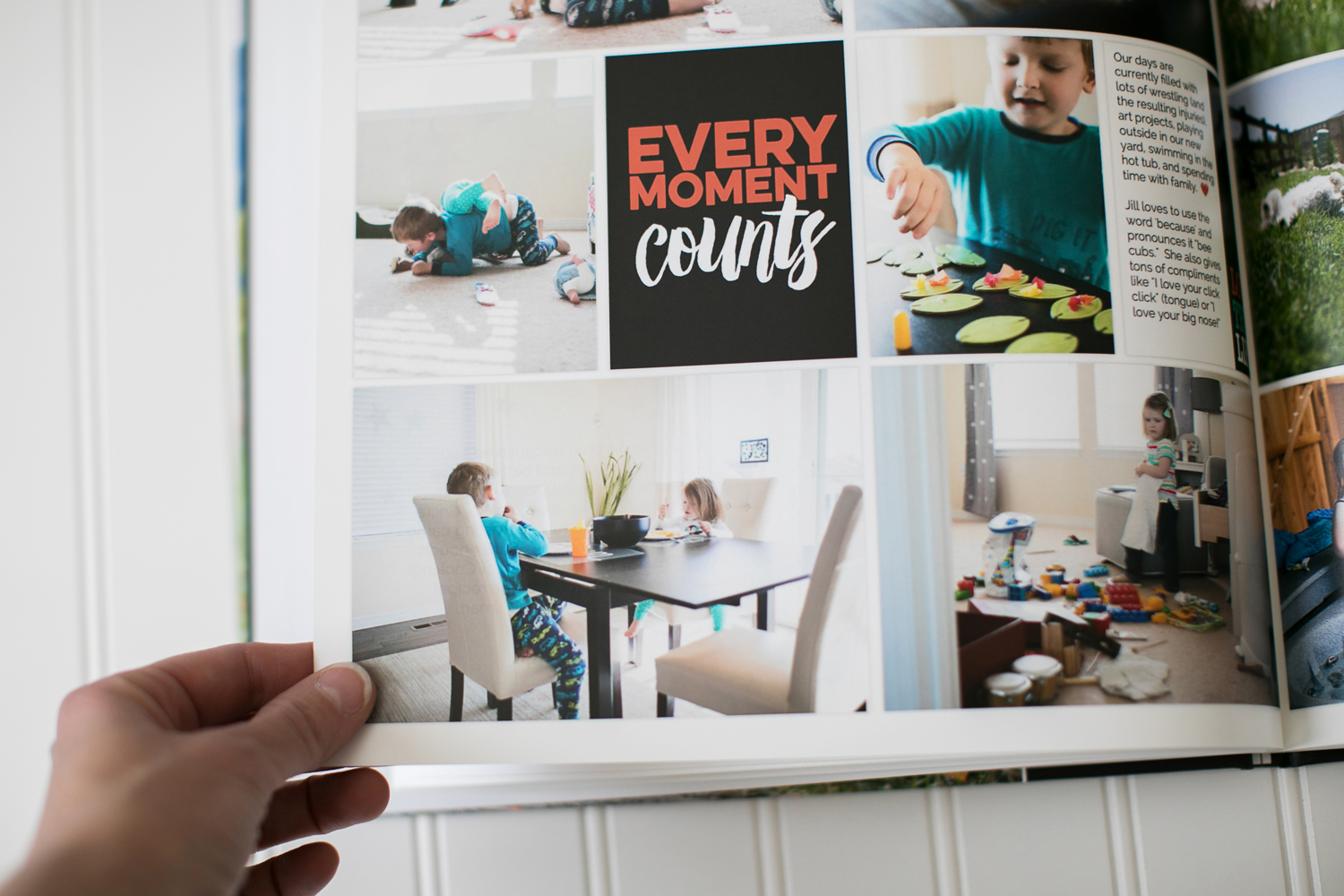
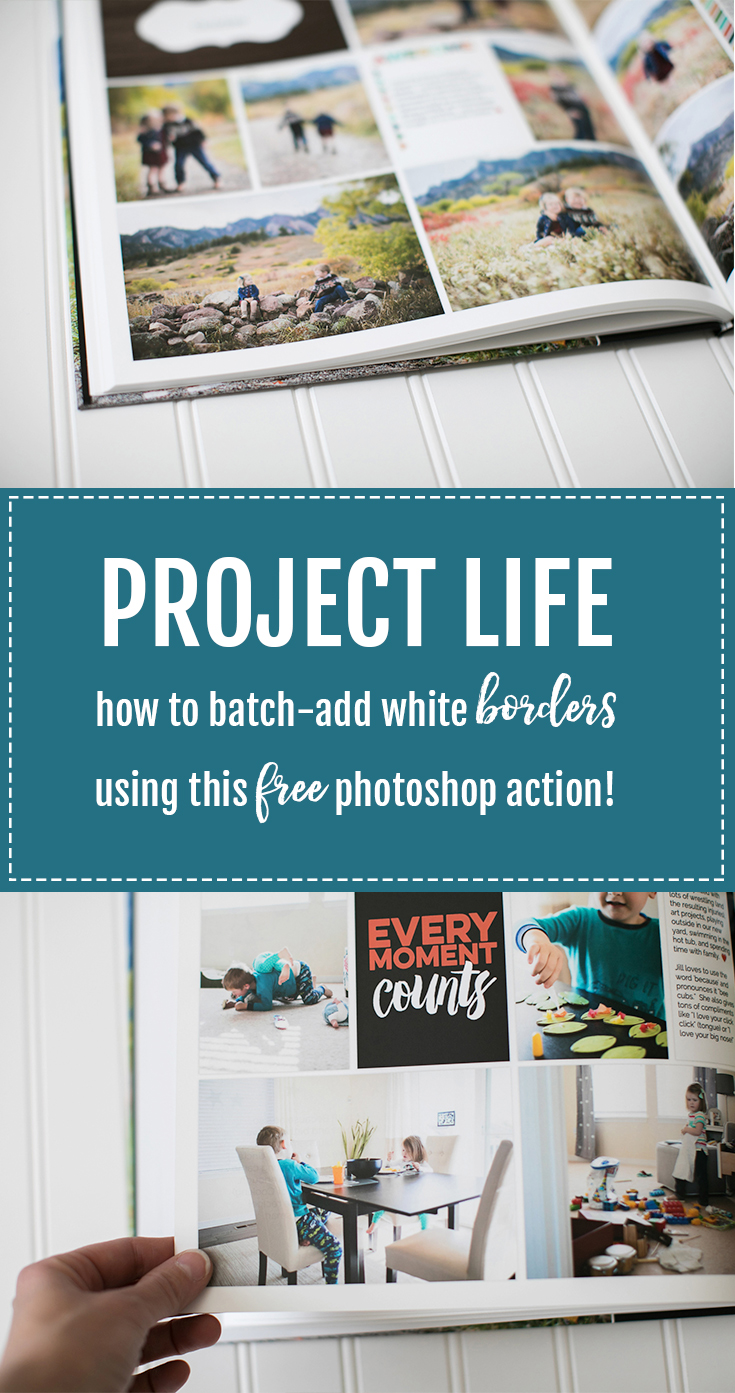
When I was reviewing allllll the photo books last month, one issue I ran into again & again was insufficient page borders. I needed to add consistent borders to my pages, but each photo book company has a different process for adjusting the page borders to fit within their ‘safe zone’ (all of which were pretty time-consuming). I knew that if I added the borders to the pages BEFORE I uploaded them to the photo book companies, things would be SO MUCH easier!
So, I created a Photoshop action to automatically add borders to my pages and when run as a ‘batch’, it added borders to my ENTIRE YEAR’S worth of pages IN SECONDS! You can download the photoshop action FOR FREE and I filmed a tutorial to show you how to use it (scroll down for all the details).
how to use a photoshop action to add project life page borders
How to use the FREE Photoshop action to add page borders to your Project Life pages:
- Download the free action (below).
- Install the action. Click the three bars in the Actions panel and select Load Actions.
- To run a batch action, go to File/Scripts/Image Processor.
- Set your original and destination folders.
- Save as JPEG quality 12.
- Run action ‘Project Life Border Add.
- RUN!
As you can see in the video, I added borders to 77 pages in UNDER A MINUTE! Photoshop MAGIC, friends!
Don’t have Photoshop?
I can absolutely do this FOR YOU for only $25. Trust me, skipping the whole frustrating design process in the photo book applications is worth that price tag! Send me an email to get started!
New to Project Life?
Download the AMAZING Project Life app or order a physical kit!
- Here’s a step-by-step tutorial of how I print my annual yearbooks with Blurb.
- I’ve been using the same basic cover design for our family albums. I shared a free photoshop template here.
- I wrote about my favorite apps to use in conjunction with the Project Life App in this post.
- See ALL of my Project Life related posts here.
SaveSave