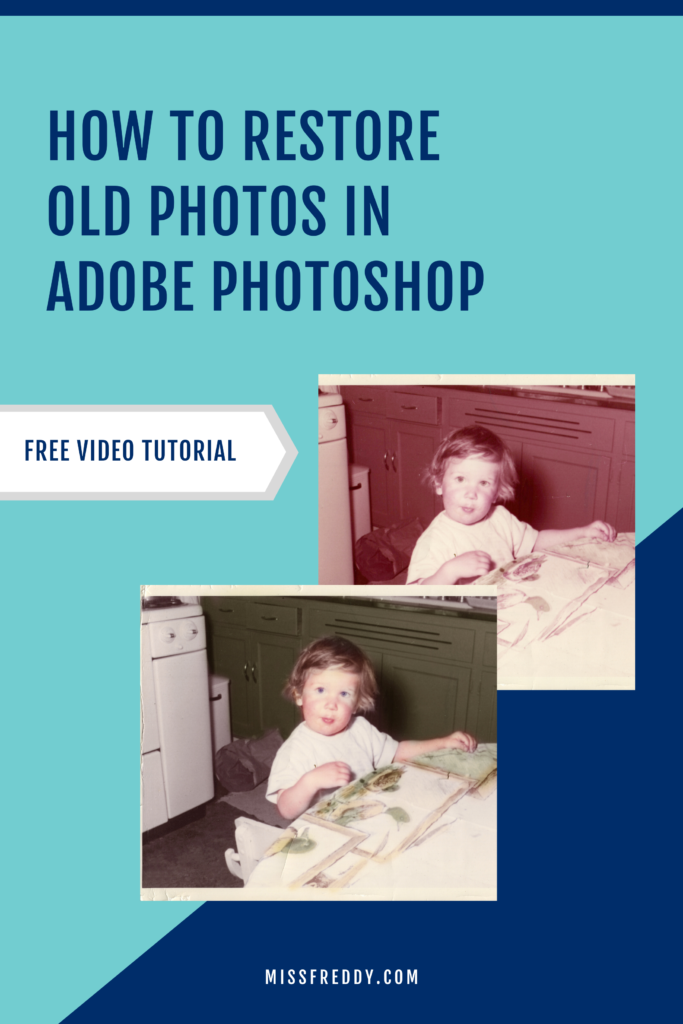


Last year I took on a special photo restoration project- my parent’s wedding photos. For their 40th wedding anniversary I digitized + color restored their faded photos and turned them into a beautiful new album (you can read more about that project in this post). As I shared about that project on social media, I fielded a lot of questions about how to restore old photos. So when my recently Mom sent me this photo from her childhood and asked if it was possible to restore it, I knew it would be a great chance to film a live edit!
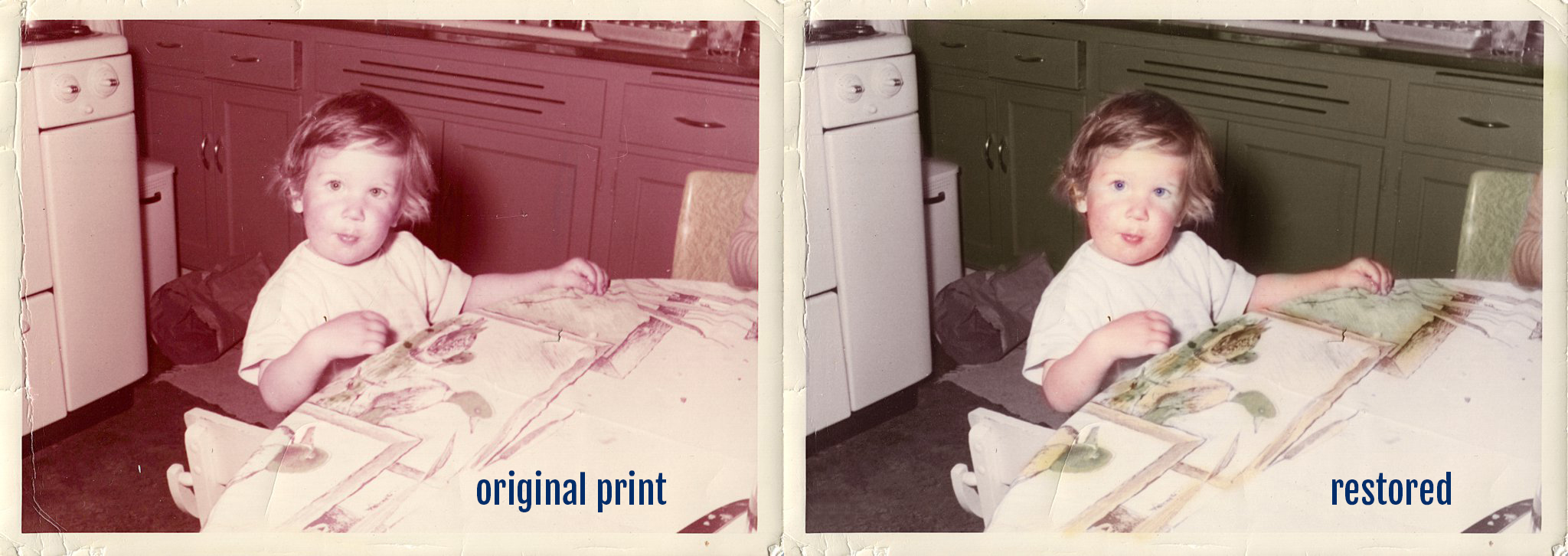
Before I started digitizing this particular photo, I needed to scan the physical print so I could have a digital copy to pull into Photoshop. I used my favorite Epson FastFoto640 and I did NOT enable the automatic color correction features.
HOW TO RESTORE OLD PHOTOS IN ADOBE PHOTOSHOP
Now… fair warning… this tutorial is long. The color restoration process is very manual because I paint every color onto the photo by hand. If you’re curious about how I did it… you can watch the whole edit (about 16 minutes long).
Well, did you make it through that entire video? The process is time consuming (but super cool!), huh? If you give it a try, share your results on Instagram and tag @miss.freddy so I can see!
Want Miss Freddy to restore YOUR photo?
I’d be happy to bring your old photo(s) back to life! Learn more about my Photo Restoration services!